
01
Start with your own car
Upload one clear car photo. Its shape, color and visible details guide the vehicle's appearance in your new clip.
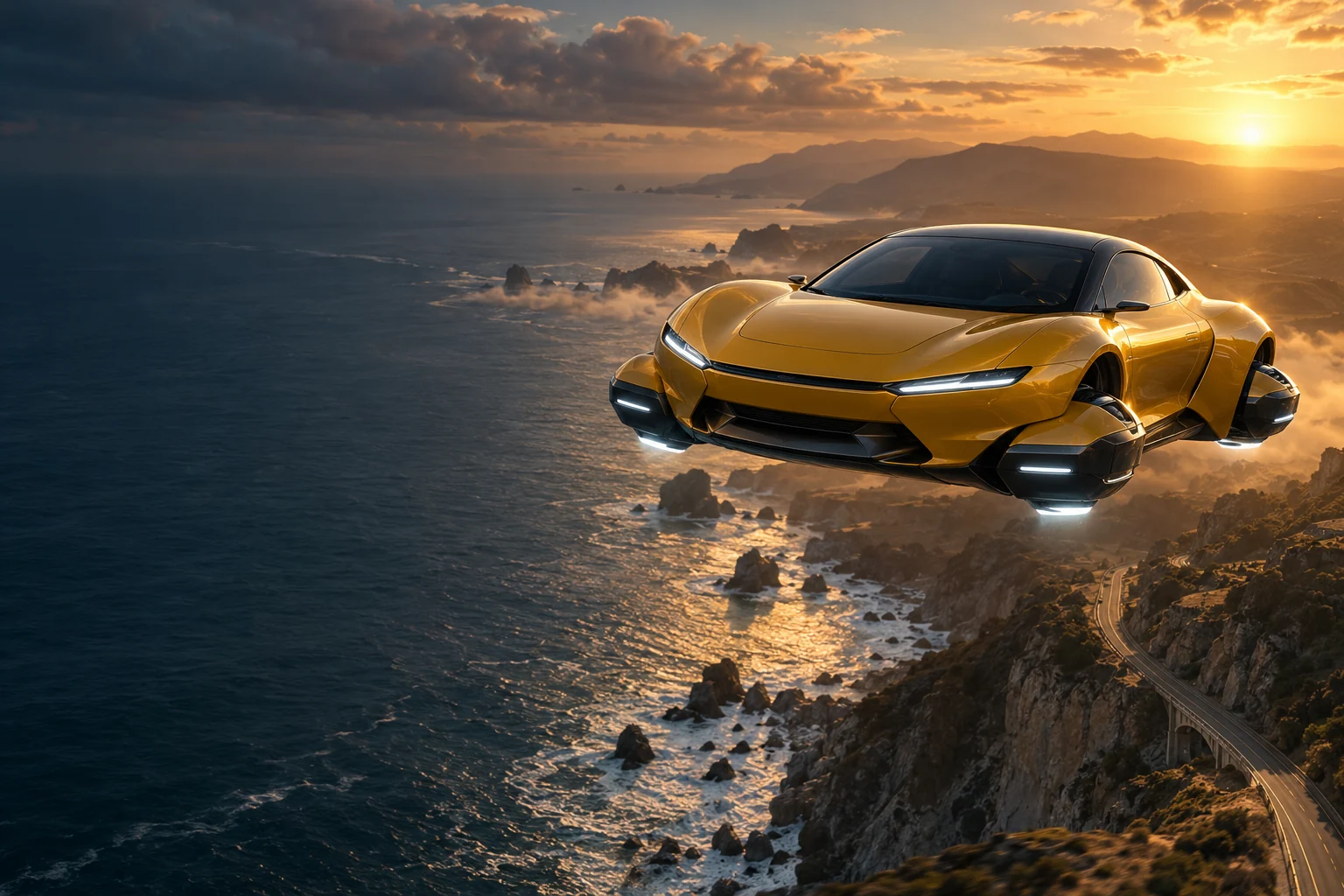
ONE CAR PHOTO. A WHOLE NEW ALTITUDE.
Give your car a cinematic takeoff. Turn one photo into a road-to-sky transformation with a classic city, neon skyline, sunset highway or cloud-filled world.
AI concept artwork · not a generated result · your video starts with your own car photo
Flying car AI video maker
Upload one car photo, choose a scene, and turn the road into a runway. Your flight prompt is prepared automatically.
Your flight starts here
Your generated clip will appear here. This is AI concept artwork, not a generated video.
FROM THE ROAD TO THE SKY
A flying car video maker from photo, built around a simple idea: keep the car you love at the center, then give it a cinematic transformation and a world to fly through.
Upload one clear car photo. Its shape, color and visible details guide the vehicle's appearance in your new clip.
The scene prompt requests a road sequence, a lift-off transition and forward flight. Five seconds keeps one continuous shot; ten seconds gives each beat more time.
Classic city, cyberpunk neon, sunset highway or clouds: four presets set the scene, with optional details for your own direction.
AI creates fresh motion from your image and the scene prompt. Vehicle details, timing and transformation can vary between results.
PHOTO IN. FLIGHT OUT.
Choose a car, a scene and a format. The maker builds the action prompt for you; no video editing timeline is required.
Use a clear image of one car with the whole body visible, ideally from a front three-quarter angle. JPG, PNG and WebP are supported up to 10 MB.
Pick a scene, 5 or 10 seconds, and 9:16 or 16:9. Choose Standard or Pro and the available resolution. Add up to 180 characters of optional direction.
Review the displayed credit cost before generating. Watch the finished video, download an eligible MP4, and add audio in your editor. Download within 7 days of the video being ready.
A FLYING CAR AI VIDEO MAKER FROM ONE PHOTO
This flying car video maker from photo turns a still vehicle image into an original short clip. Pick a setting and let the scene prompt handle the transformation, camera movement and flight.
Choose 9:16 for a vertical reveal or 16:9 for a wider city skyline. Videos are silent so you can add your own music, engine sound or transition effects before posting.
Inspect and copy the scene prompt before generating. The 10-second version requests 3 seconds on the road, 3 seconds of takeoff and 4 seconds of flight; the 5-second version asks for one continuous shot.
Keep a classic road scene, fly through neon streets or head above the clouds. Your photo guides the vehicle; the preset and optional direction guide the scene. This tool creates new motion rather than transferring it from a reference video.
Compare prepaid credits for AI image generation, prompt-based editing, and image-to-video clips. Video credit costs increase with duration. Credits last 365 days with no auto-renewal.
Standard: — credits / 5s · Pro: — credits / 5s. A 10-second video uses twice the credits.
Starter
For first projects and occasional creative work
Creator
For regular image and video creation
Studio
Best value for teams and high-volume production
BEFORE TAKEOFF
It animates a car photo into a short scene where the vehicle transforms, lifts off and flies. Choose a preset to create a new interpretation from your image. The hero artwork is an AI concept, not a sample result.
Use one clear car photo, preferably showing the whole vehicle from a front three-quarter angle. Upload JPG, PNG or WebP up to 10 MB, at least 300 × 300 px, with an aspect ratio of 0.4–2.5. Use an image you have permission to animate.
Choose Classic, Cyberpunk, Sunset or Clouds. Each preset supplies the environment and flight direction. Add optional scene details, up to 180 characters, to guide the atmosphere. Your photo guides the car's appearance; AI results can vary.
For paid videos, choose 5 or 10 seconds and 9:16 vertical or 16:9 landscape. Select Standard, Pro or an available Seedance option at 720p or 1080p. Availability and the current credit cost are shown before generation. Ten seconds costs twice as much as five seconds in the same model tier. Free preview framing may follow your photo.
No reference video is required or supported here. The maker uses your car photo and a structured scene prompt to generate new motion. Timing, camera angles and vehicle details are not guaranteed to match another clip.
Generated videos are silent. Download your MP4 and add music, engine sounds or effects in TikTok, Instagram or your editor, following the audio rules of the platform you use.
Sign in for one free full-length, watermarked 480p silent preview per account, shared across this site's video tools. Its duration is shown in the generator. Spend the displayed credits to unlock the same video for download without the preview watermark. Higher quality or longer clips require a separate paid generation. Failed previews can be retried; failed paid tasks return their generation credits automatically.
Sign in with the same account to view your flying car history and check unfinished jobs. Videos remain available for 7 days after they are ready. Download in time: after expiry, a video can no longer be played, unlocked or downloaded.
Use photos you own or have permission to animate. Generated transformations are creative AI interpretations, and results vary.