
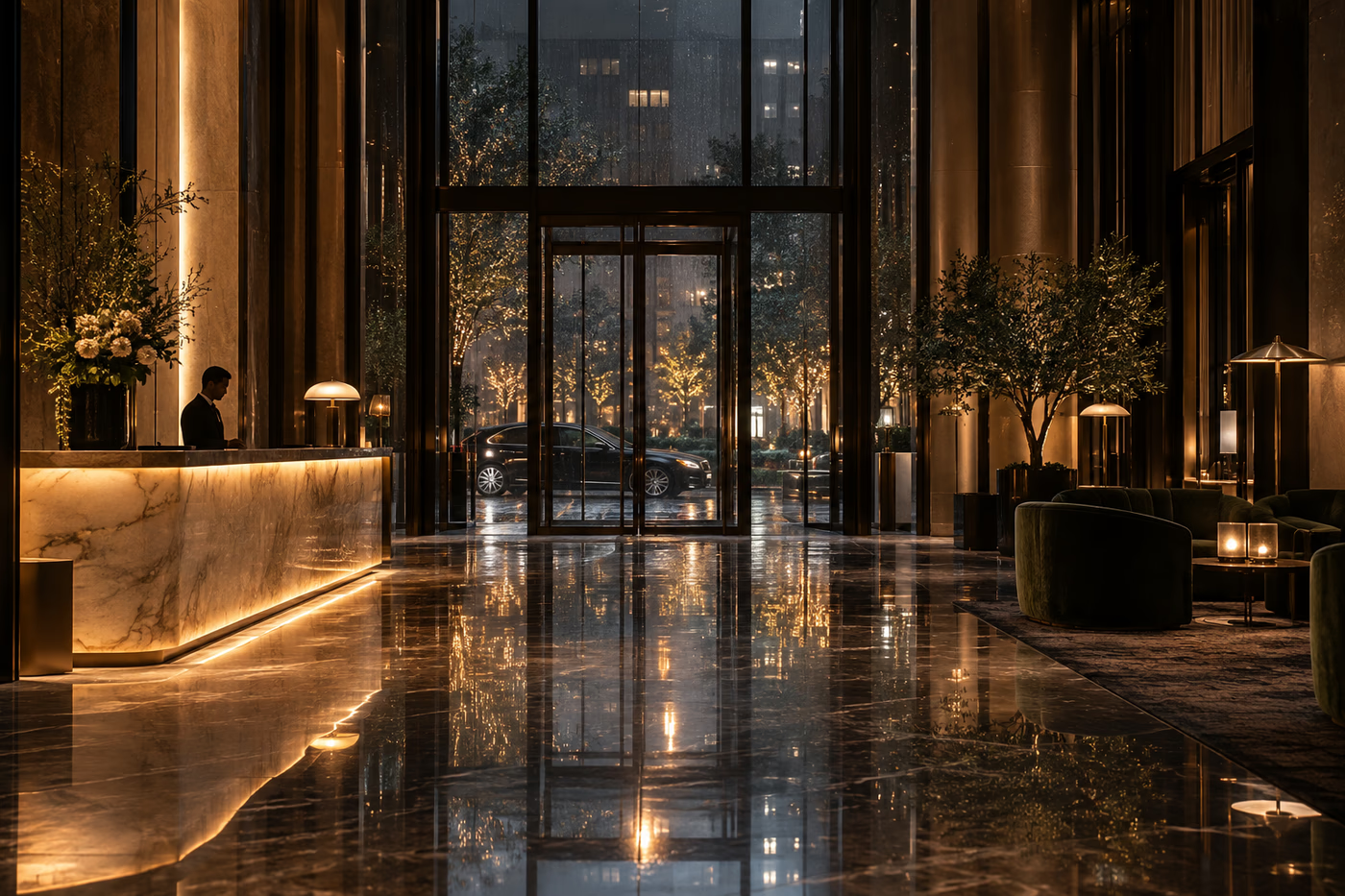
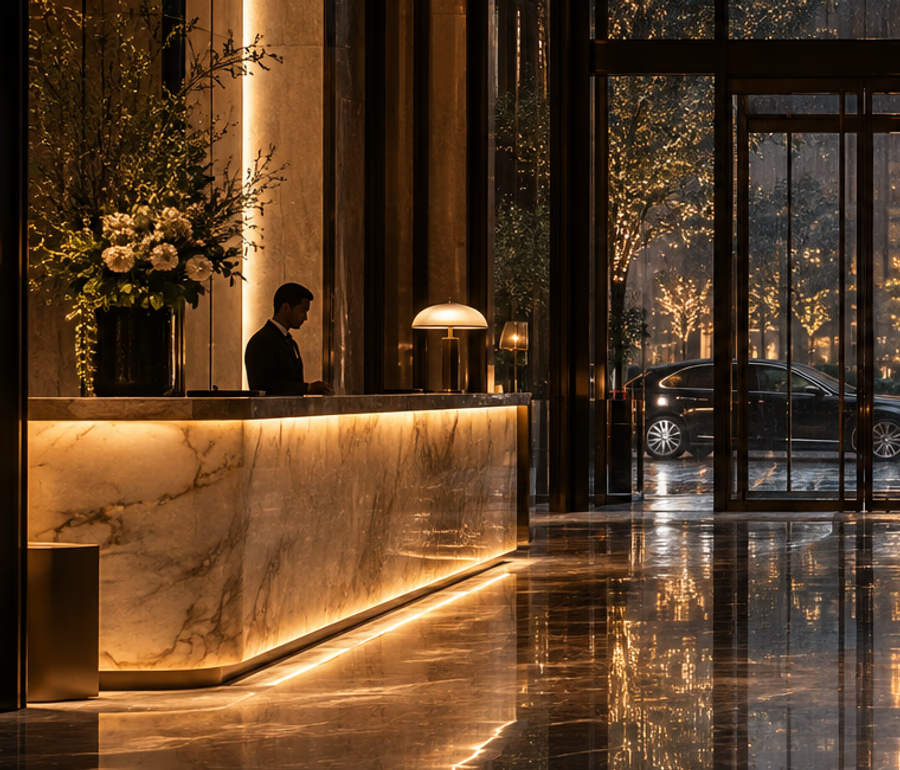
 Arrival
Cinematic hotel arrival video
Build a slow, confident approach through the entrance with reflections, rain, and practical lights kept stable.
Hotel lobby image-to-video studio
Turn a still lobby, arrival moment, or reception detail into a polished short video. Upload two visual references, describe the camera move, and review the result before you publish.
Hotel lobby AI video examples
Use these visual references to choose a motion brief for your own property tour, arrival reel, or lobby atmosphere clip.
ArrivalBuild a slow, confident approach through the entrance with reflections, rain, and practical lights kept stable.
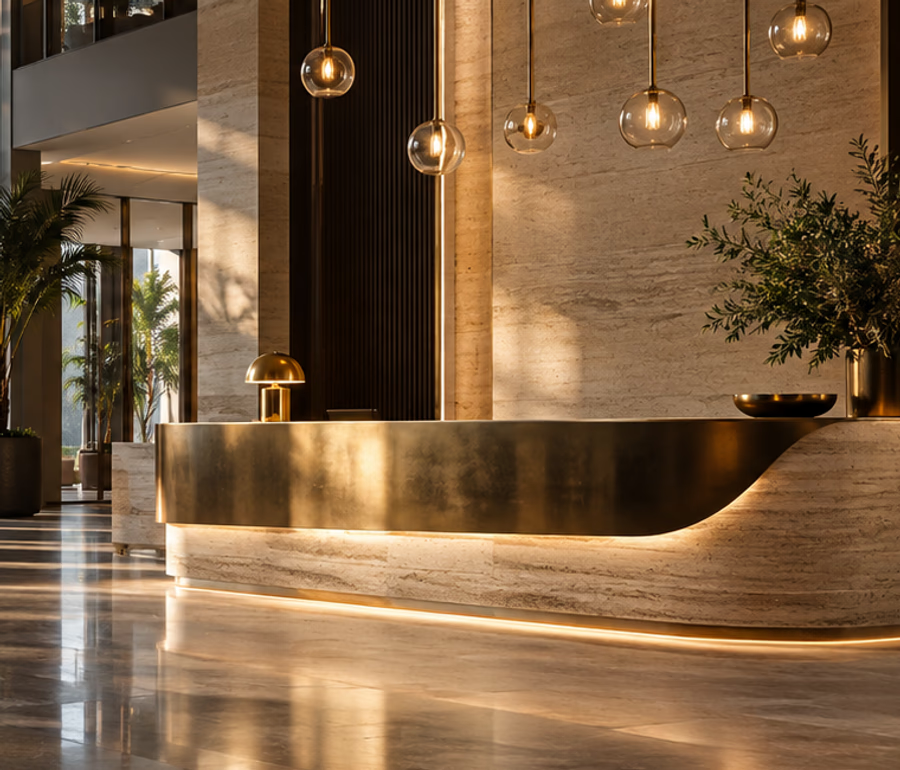 Detail
Add a controlled push-in that reveals stone, brass, and layered lighting without losing the lobby geometry.
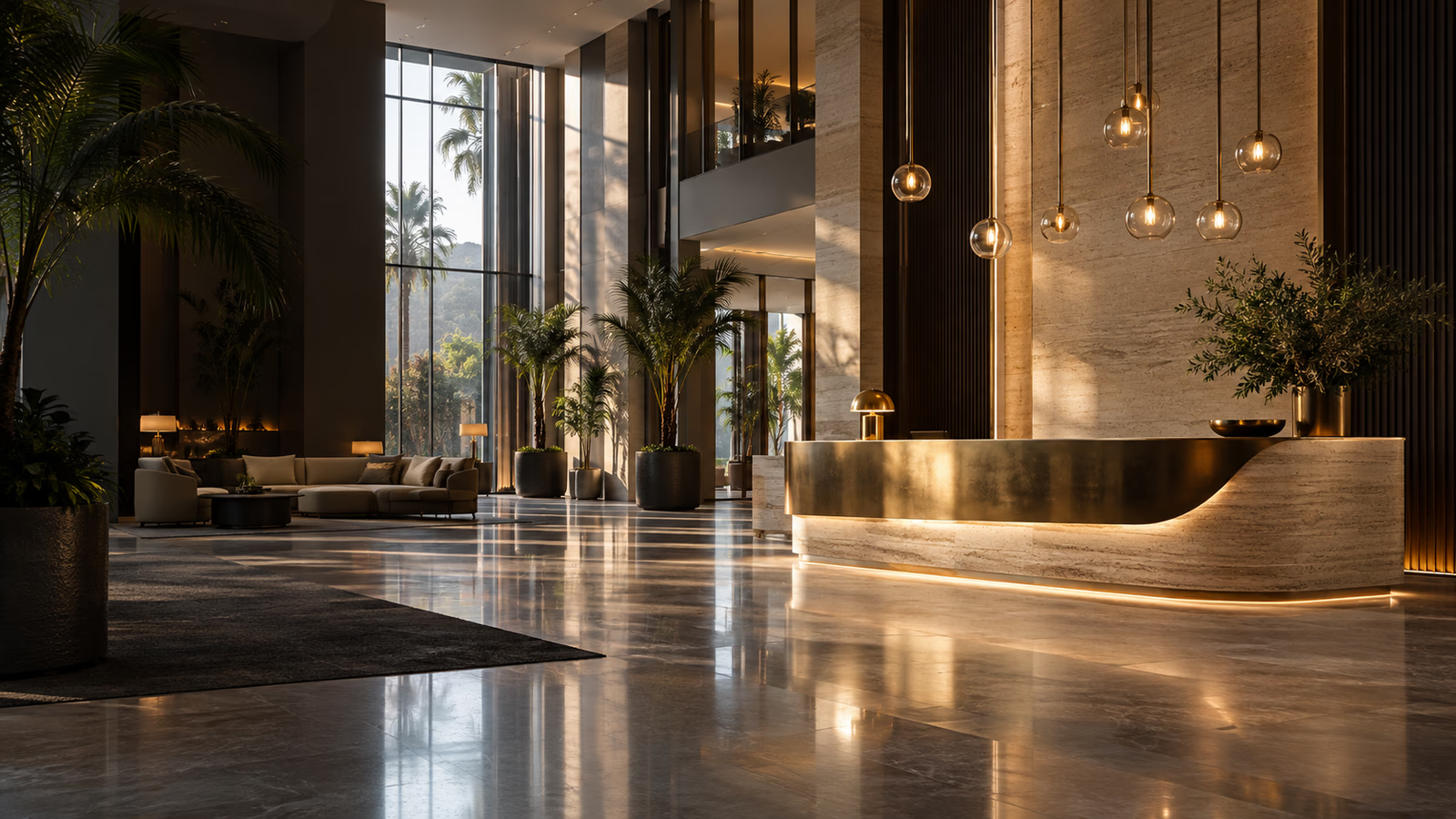
 Atmosphere
Try a gentle lateral pan for website headers, social teasers, and mood-led hospitality campaigns.
Choose one image for each visual reference, add a specific motion brief, and generate a short hotel lobby clip with a model and duration that fit your review cycle.
PNG, JPG, JPEG, WebP, or AVIF up to 10MB each. Use sharp, well-lit images with one clear scene per slot.
Start with a visual direction
The reference scene helps you judge framing before spending credits on a generation.
Standard native audio • Faster 1080p generation for everyday clips
Plan a stronger hotel lobby AI video
A useful hospitality clip starts with a stable visual reference and a focused motion brief. Keep the request to one camera move and one environmental action, then review reflections, signage, people, and architecture before using the result in a campaign.
Create a calm opening clip for a hotel homepage, booking flow, or destination landing page without arranging a new shoot for every seasonal direction.
Turn reception details and entrance stills into short vertical-friendly concepts for Reels, Shorts, TikTok, and paid social testing.
Add movement to a concept render or completed lobby photograph so owners, operators, and design teams can discuss atmosphere together.
Use clean, well-lit lobby or arrival views with clear lines, enough depth, and no tiny text that must remain perfectly readable.
Name the camera move, a subtle light or plant action, the pace, and the architectural details that should remain fixed.
Inspect the beginning, middle, and end for geometry, reflections, faces, logos, and signage before selecting a clip for publishing.
Start with two references and a camera move. The generator keeps the brief, model, duration, preview, and download in one workflow.
Compare prepaid credits for AI image generation, prompt-based editing, and 5 or 10 second image-to-video clips. Credits last 365 days with no auto-renewal.
Typical costs: Fast image 1 credit • Standard image or edit 2 • Pro image or edit 6 • Fast 5s video 15 • Advanced 5s video 30. 10s videos use twice the credits.
Starter
For first projects and occasional creative work
Creator
For regular image and video creation
Studio
Best value for teams and high-volume production
Hotel lobby AI video generator FAQ