
01
Zoom into the lit window
The camera begins across the street at night and pushes toward one warm window. Your photo guides the person or pet sitting at the table.
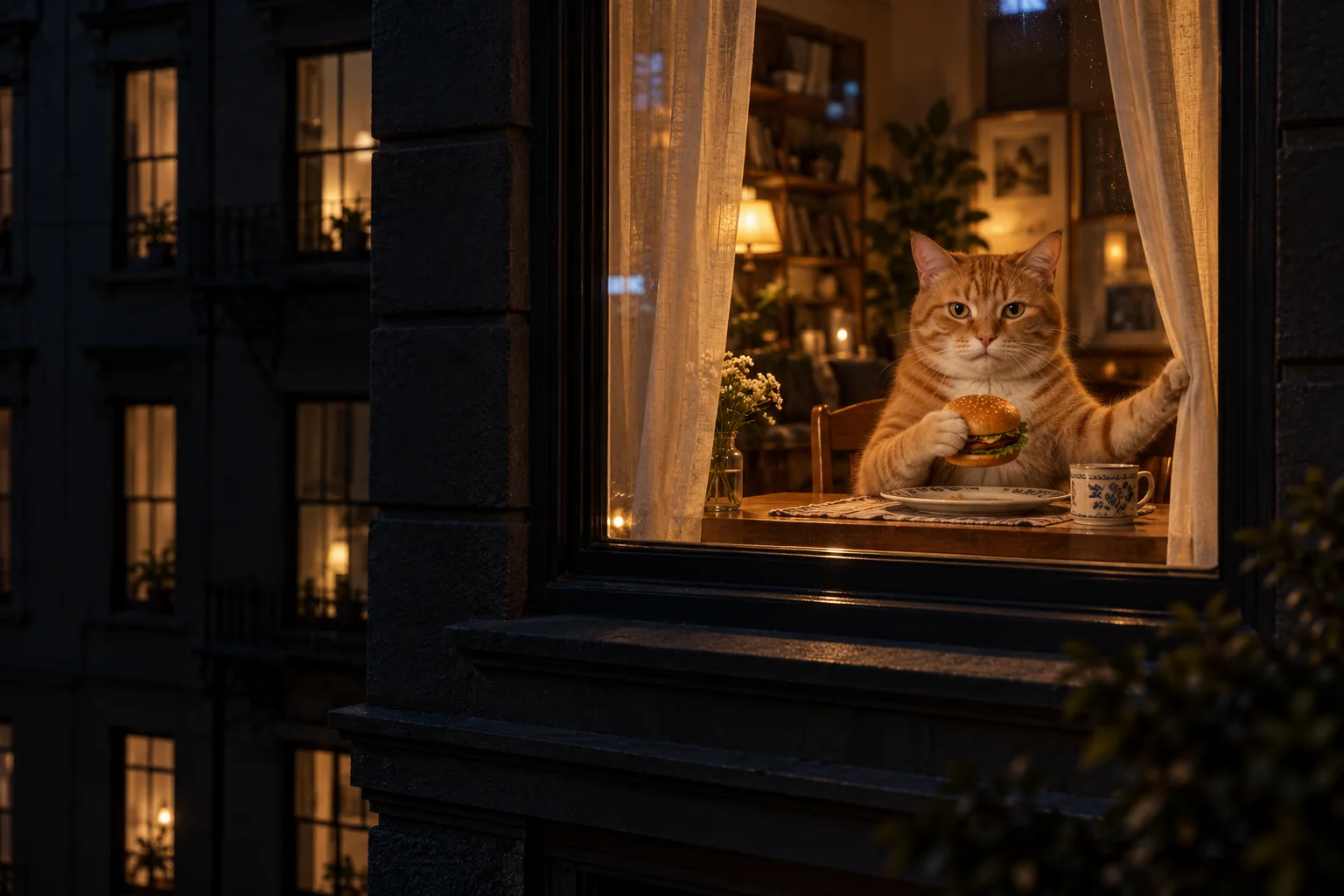
ONE PHOTO. ONE WINDOW. CAUGHT MID-BITE.
Turn yourself or your pet into the star of the window peeper trend. A night-time zoom finds you eating a burger at a lit window. You stare back, then pull the curtain shut.
AI concept artwork · not a generated result · create your own scene from a person or pet photo
Window Peeper AI video maker
Upload one person or pet photo. Your night-time zoom, burger stare and curtain-pull prompt are ready to go.
Your window scene starts here
Your generated clip will appear here. This is AI concept artwork, not a generated video.
THE ZOOM. THE STARE. THE CURTAIN.
The Window Peeper AI video maker builds a playful three-beat reveal around your photo: a distant apartment, a caught-in-the-act stare, and a curtain that ends the conversation.
The camera begins across the street at night and pushes toward one warm window. Your photo guides the person or pet sitting at the table.
Your character holds a burger and looks straight back at the camera. The prompt preserves visible clothing, or the markings of your cat or dog.
The character puts the burger down and reaches for the curtain. The requested closing beat leaves a softly backlit curtain across the window.
AI generates fresh action from your photo and the scene prompt. Face details, paw movements, camera motion and timing can vary.
YOUR PHOTO BECOMES THE PUNCHLINE
A browser-based window peeper video maker from photo. No filming, reference video or editing timeline required.
Choose one clear, well-lit front-facing portrait of a person, cat or dog. Keep the face unobstructed. JPG, PNG and WebP are supported up to 10 MB.
Choose Classic, Pet, Rainy night or Comedy, then 9:16 or 16:9. Ten seconds gives the full reveal more breathing room; five seconds compresses the story. Review model, quality and cost before generating.
Watch your finished clip and download an eligible MP4. Add laughter or music in your publishing app. Save your video within 7 days of it being ready.
WINDOW PEEPER AI VIDEO MAKER FROM PHOTO
This Window Peeper video maker turns a single photo into an original night-window scene. The action is planned for you: establish the building, reveal the burger, hold the stare and close the curtain.
Choose 9:16 for TikTok, Reels and Shorts, or 16:9 for a wider apartment view. The 10-second option gives the zoom, stare and curtain pull separate moments. Videos are silent so you can add audio in your editor.
The maker prepares the camera direction and action from your choices. View and copy the prompt, or add up to 180 characters of extra visual direction. A photo guides the character; there is no fixed face-swap clip.
Upload a clear pet portrait and choose Pet for an upright burger-holding character at the window. The prompt asks for the same fur color and markings, then a playful paw reaching for the curtain. Complex paw action may vary.
Compare prepaid credits for AI image generation, prompt-based editing, and image-to-video clips. Video credit costs increase with duration. Credits last 365 days with no auto-renewal.
Standard: — credits / 5s · Pro: — credits / 5s. A 10-second video uses twice the credits.
Starter
For first projects and occasional creative work
Creator
For regular image and video creation
Studio
Best value for teams and high-volume production
BEFORE YOU CLOSE THE CURTAIN
It is a playful night-time scene: a camera zooms from across the street into a lit window, catches someone eating a burger and staring back, then watches the curtain close. This generator creates a new interpretation from your photo. The hero artwork is a concept, not a sample video.
Upload one clear, front-facing portrait of yourself, a consenting person or your pet. Keep the face well lit and unobstructed. Use JPG, PNG or WebP up to 10 MB, at least 300 × 300 px, with an aspect ratio of 0.4–2.5.
Yes. Choose the Pet preset and upload a clear pet photo. The prompt asks for your pet to sit upright holding a burger, keep its fur and markings, then reach for the curtain with a paw. AI may interpret anatomy and movement differently between results.
Paid generations support 5 or 10 seconds and 9:16 vertical or 16:9 landscape. Choose an available Standard, Pro or Seedance model and its supported resolution. Availability and exact credits appear before generation. Ten seconds costs twice as much as five in the same tier. Free preview framing may follow your photo.
The maker generates a new video from your photo and a structured prompt. No reference video, CapCut template or fixed face-swap footage is required. The building, burger and curtain are generated around the character, so timing and likeness can vary.
Videos generated here are silent. Download an eligible MP4 and add your own laughter, music or sound effects in TikTok, Instagram or your video editor, following the audio rules of your publishing platform.
Sign in for one free full-length, watermarked 480p silent preview per account, shared across the video tools on this site. Its duration is shown in the maker. Spend the displayed credits to unlock the same clip for download without the preview watermark. Higher quality or a different duration requires a separate paid generation. Failed previews can be retried; failed paid tasks return their generation credits automatically.
Sign in with the same account to view your window peeper task history and resume unfinished jobs. Videos remain available for 7 days after they are ready. Download in time: expired videos cannot be played, unlocked or downloaded.
Use photos you own or have permission to animate. Window Peeper is a creative AI effect; character details and motion vary.