
01
A world gone quiet
A ruined street, drifting fog and distant light establish the world. Keep the setting simple so the two characters remain the focus.
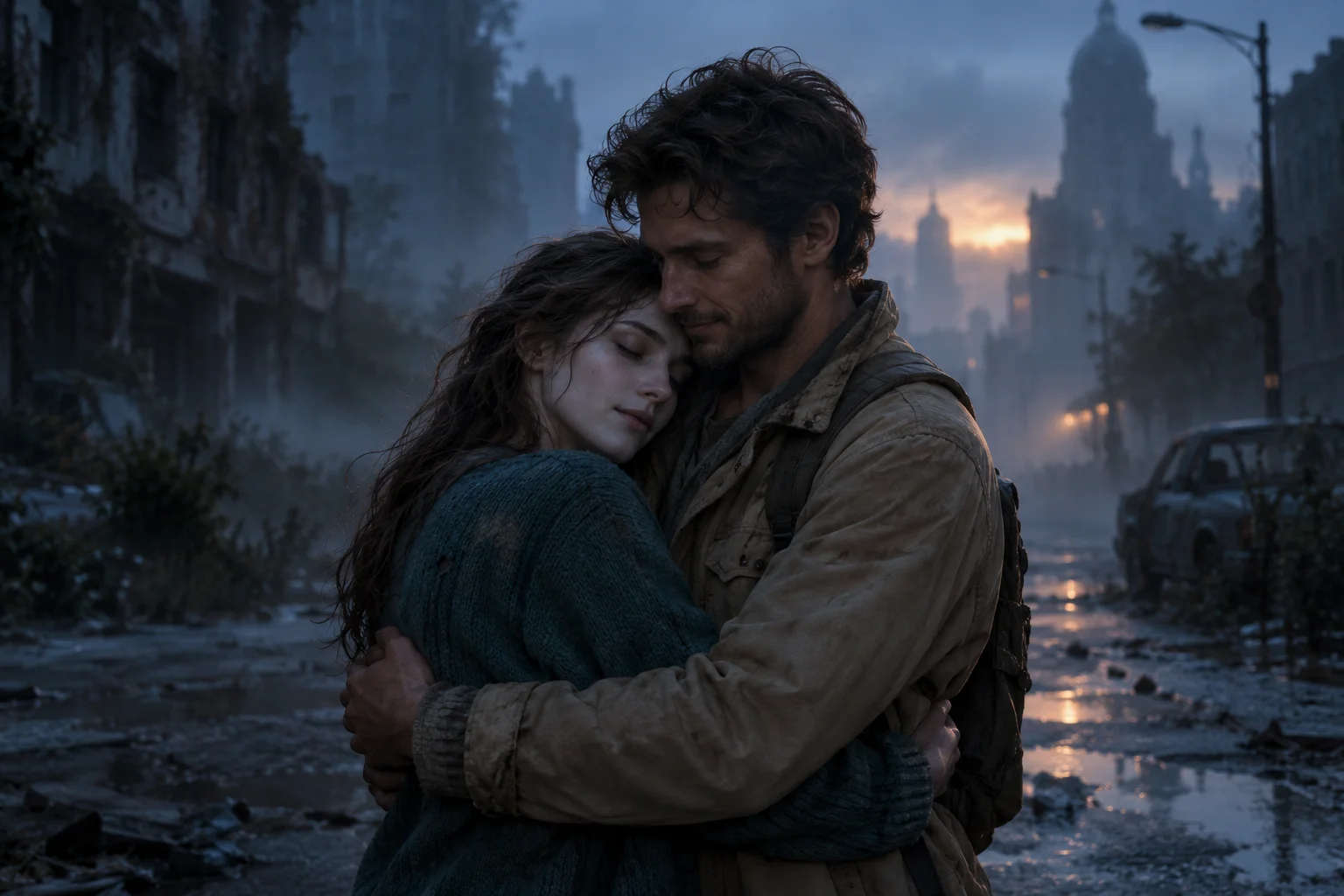
WHEN LOVE OUTLIVES THE APOCALYPSE
One becomes a zombie. The other still remembers. Turn two photos into a cinematic reunion where a familiar face cuts through the end of the world.
AI concept artwork · story inspiration
YOUR TWO-CHARACTER STORY
Add two photos, cast the roles, and turn an unlikely reunion into a 5- or 10-second vertical video.
Your story starts here
Cast two characters and choose a direction. Your generated video will appear here when it is ready.
A SMALL STORY. A BIG FEELING.
Build around one emotional moment: recognition. These four beats are a creative direction for your video, with the final sequence shaped by your chosen model.
A ruined street, drifting fog and distant light establish the world. Keep the setting simple so the two characters remain the focus.
The first character emerges as a gentle, non-graphic zombie. The human survivor stops, watches, and begins to recognize them.
A pause, a softened expression, a hand reaching out. Let recognition replace fear before the characters move closer.
The characters share a quiet embrace. In a 10-second story, you can then suggest a warm, sunlit memory. Or make photo 1 a pet to tell a story about finding a lost companion.
FROM TWO PHOTOS TO ONE SCENE
No timeline to edit. Choose the characters and give the model a clear emotional direction.
Add a clear photo for the zombie role and a second adult portrait for the survivor. Use similarly framed photos with visible faces.
Pick a reunion, a memory and transformation, or a pet companion story. Add a short action or setting, then choose 5 or 10 seconds.
Sign in to try your shared free preview or use credits to generate a full video. Review the result in the player; paid videos and previews unlocked with credits can be downloaded. Adjust the story and try again if needed.
Focus on recognition and a gentle embrace. A single scene gives the model a simpler story to follow.
The default length tells your story through a reunion and a warm memory. Shot details and character likeness may vary.
Your original photos guide the two characters separately. The selected model creates the scene around them; faces, framing and story details may vary.
Cast your two charactersCompare prepaid credits for AI image generation, prompt-based editing, and image-to-video clips. Video credit costs increase with duration. Credits last 365 days with no auto-renewal.
Zombie video costs per 5 seconds: Standard — credits · Pro — credits. A 10-second video uses twice the credits.
Starter
For first projects and occasional creative work
Creator
For regular image and video creation
Studio
Best value for teams and high-volume production
Everything to know before you bring your story to life.
It creates a short fictional zombie story from your photos and a text direction. Here, one photo casts the zombie and another casts the human survivor, with the story centered on an emotional reunion.
The selected model uses each original photo as a separate character reference, then creates the scene from your story. Seedance 2.5 is selected by default; Standard and Pro remain available. Character likeness and role consistency may vary.
Use clear, well-lit portraits with one visible face per photo and similar framing. Avoid crowded images, heavy filters and covered faces. The first slot also accepts a pet for a companion story.
Yes. Photo 1 is assigned to the zombie role and photo 2 to the human survivor. Use Swap roles before generating to switch them. The prompt guides these roles, but the model may interpret them differently.
Choose 5 seconds for a single reunion and embrace. The default 10 seconds uses multiple shots for the reunion and a warm memory. Shot details, transformations and likeness may vary.
Yes. Choose a story direction and add up to 180 characters describing an action, mood or location. The two photo roles remain fixed. A simple action usually gives a more coherent short scene.
Sign in for one free full-length, 480p silent preview per account, shared across all video tools on this site. The preview duration is shown in the generator. Watch the complete clip with a preview watermark, then spend the displayed credits to unlock the same video for download without the preview watermark. No new generation is needed to unlock it. If generation fails, you can retry without using up your free preview. Longer videos and higher quality are available through a separate paid generation.
The hero image is labeled AI concept artwork and illustrates a story idea. It is not a generated video result. Your output depends on your photos, prompt and selected model. Use only images you have permission to use.