
01
Offer the treat
Your character offers a small treat to a curious black cat.
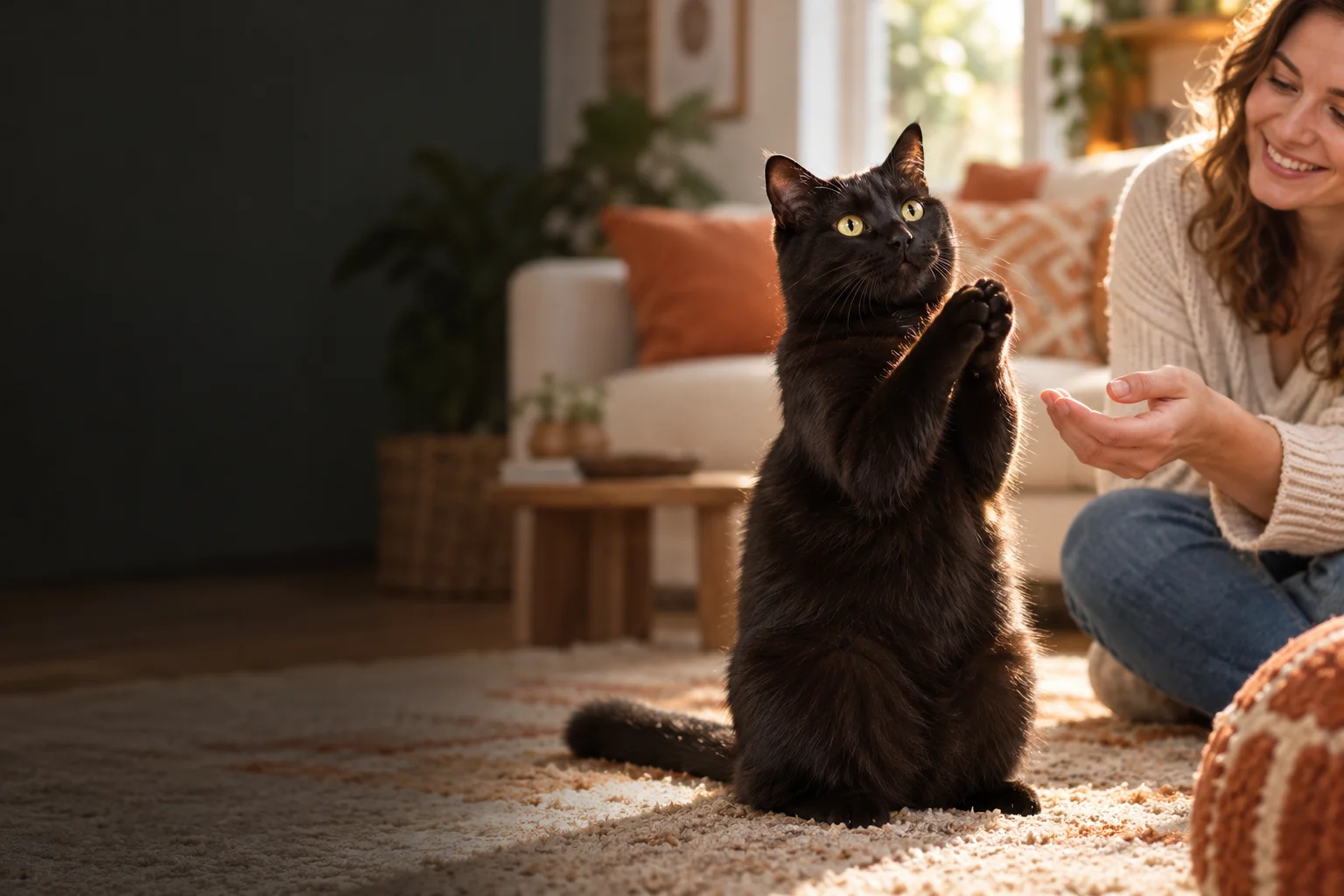
ONE PORTRAIT. A BLACK CAT. YOUR MOMENT.
Step into the scene with one photo. Feed a playful black cat, watch it grin and clap, then share a shush and a paw shake in your own AI-generated story.
AI concept artwork · generated motion and appearance will vary
CLAPPING CAT VIDEO MAKER FROM PHOTO
Upload one portrait; the AI creates the black cat and setting. Start with the kitchen scene, then choose your format, model and duration.
Your photo. The cat does the clapping.
Only a person photo is needed. The black cat is generated; no pet photo or reference video is required.
AI concept artwork for illustration. This image is not a generated video or a guaranteed result.
THE TEN-SECOND STORY
The 10-second maker guides a playful interaction from the first treat to the final deal. Choose 5 seconds for a simpler clapping moment.
Your character offers a small treat to a curious black cat.
The cat rises, flashes a mischievous grin and brings its front paws together.
Your character gives a gentle finger-to-lips shush.
The cat pauses, brings a paw near its mouth and reaches one out.
A friendly paw shake closes the scene with a knowing nod.
An AI interpretation of the clapping cat idea. Hands, paws, identity and the requested sequence may need another attempt; no exact recreation is guaranteed.
HOW TO MAKE A CLAPPING CAT VIDEO
Use one front-facing person in good light, with the face, shoulders and clothing visible. Upload JPG, PNG or WebP up to 10 MB, at least 300 × 300 pixels.
Select 10 seconds for the story or 5 seconds for the clap, choose 9:16 for short-form posts or 16:9 for a wider scene, and review the current credit cost.
Confirm photo permission and start. Review the result when processing finishes; download the available full video and add captions or music in your preferred editor.
CLAPPING CAT MEME MAKER
A clapping cat meme pairs a small act of kindness with an oversized applause reaction. This online AI maker uses your portrait as the person reference and builds a new black cat interaction around it.
You do not need to film yourself, own a cat or prepare a green screen. A single portrait supplies the person reference. The model aims to carry your face, hair and clothing into a newly generated scene.
Use a vertical composition for TikTok, Reels or Shorts, or a landscape frame for a wider reaction scene. Keep the 5-second version simple; use the 10-second version when the setup and handshake matter.
This is photo-guided video generation, not a face swap into the original clip. The cat, room, cuts and gestures are synthesized. Videos generated on this page are silent; add music or captions in your editor or social app.
Compare prepaid credits for AI image generation, prompt-based editing, and image-to-video clips. Video credit costs increase with duration. Credits last 365 days with no auto-renewal.
A 5-second cat clapping video uses — credits with Kling Standard or — credits with Kling Pro. A 10-second clip uses twice the credits. Your exact cost appears before generation.
Starter
For first projects and occasional creative work
Creator
For regular image and video creation
Studio
Best value for teams and high-volume production
CLAPPING CAT MAKER FAQ
It is an online clapping cat video maker that turns one person photo into a new AI scene with a black cat. The 10-second template requests a treat, a grin and clap, a shush, an offered paw and a handshake.
No. This page takes one person portrait and generates the black cat and scene. To animate a photo of your own pet, use the separate Cat Clapping Video Generator linked above.
No. This maker generates a fresh interpretation from your photo and a story template. It does not preserve the exact original cat, kitchen, camera cuts or timing.
Yes. Select 9:16 for a vertical video or 16:9 for landscape. Choose a 5-second clapping moment or a 10-second story, then add any music or captions in your editor or social app.
Full generations use credits; the current cost appears beside the generate button for your chosen model and duration. If a free preview is offered to your account, its limits and unlock options are shown separately.
Use a sharp photo of one person facing the camera, with shoulders and top visible and soft, even light. Use your own image or obtain permission from the person shown. Avoid group shots, hidden faces and heavy filters.
Results vary. A reference photo guides appearance, but hands, paws, facial details and the story order can change. Inspect the whole video before posting; a simpler 5-second shot may be easier than a full story.
Videos generated on this page are silent. You can add music or captions in your editor or social app. Processing time varies with the provider queue; the result panel shows status and provides a download when the full video is available.
Use photos with permission. Review and label AI-generated content where appropriate. This tool is independent of the original meme creators.